Free Excel templates: credit ledger, cash book, stock, customer list
Do not draw tables from scratch. Download ready-designed templates for the five books small shops use most: a summary board, drop-down lists, totals that work themselves out and colour flags. Open them in Excel, delete the sample records and write your own.
The templates are built in your browser and downloaded. You type nothing on this page and nothing is sent to our servers.
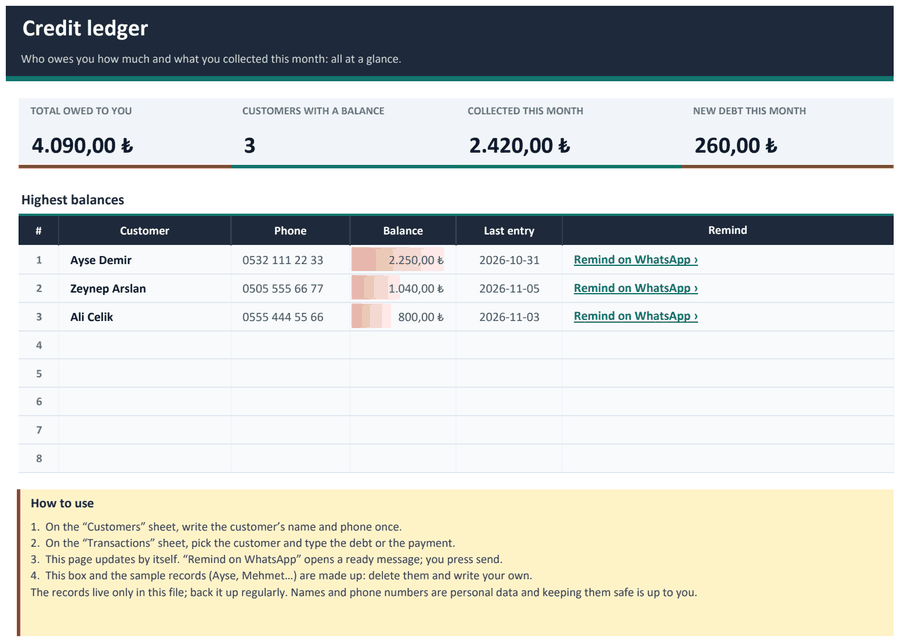 Credit ledger
Summary board, customer balances, top debtors and one-click WhatsApp reminders.
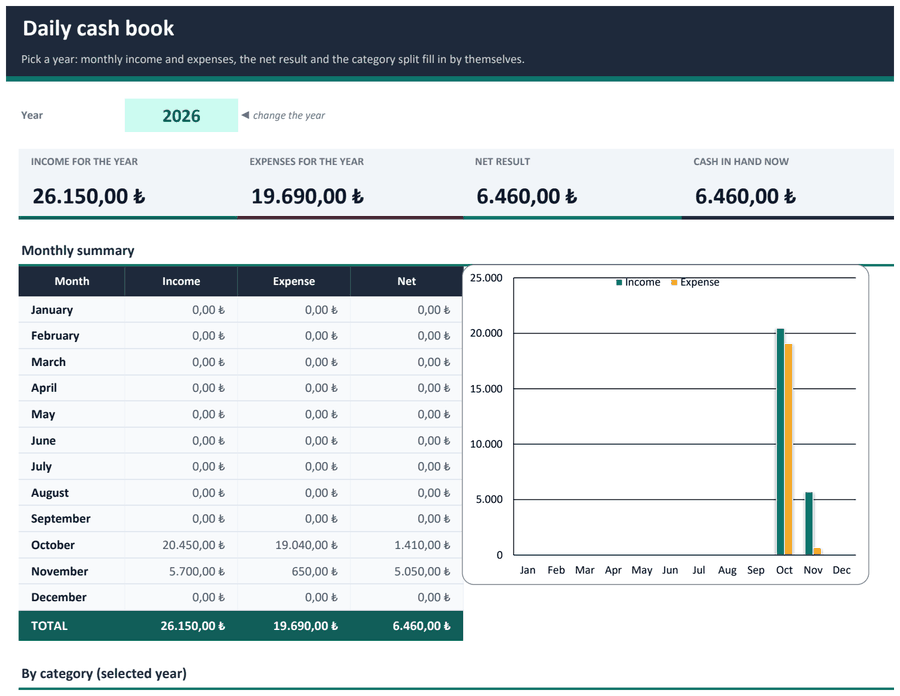 Daily cash book
Income and expense book, category list, monthly summary, chart and a running cash balance.
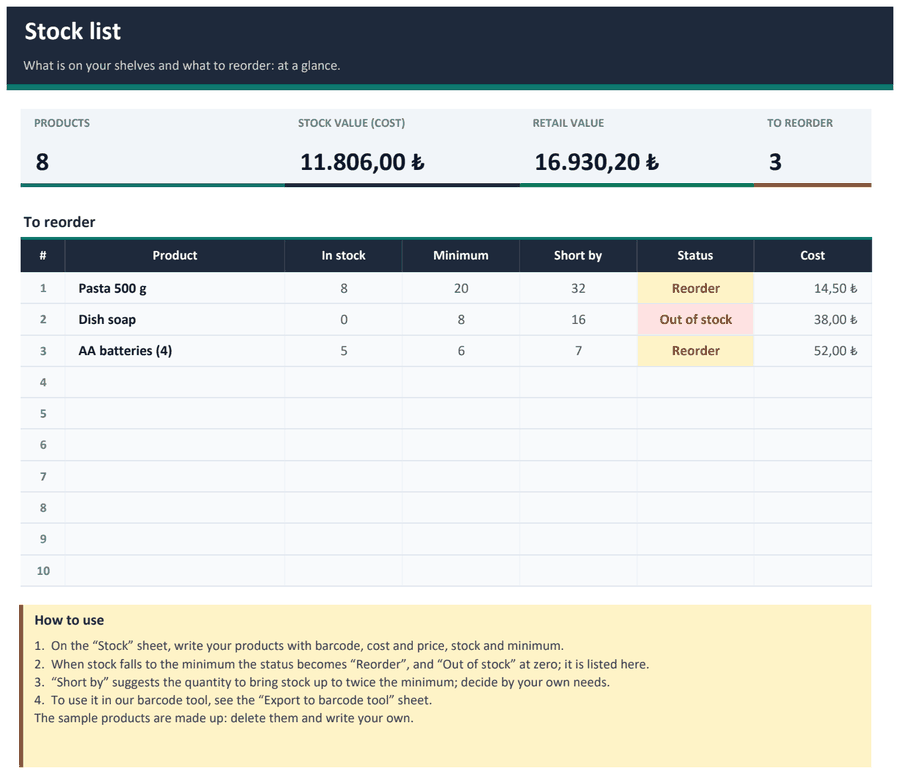 Stock list
Margin, stock value, a “reorder” flag and a sheet to move the list into the barcode stock tool.
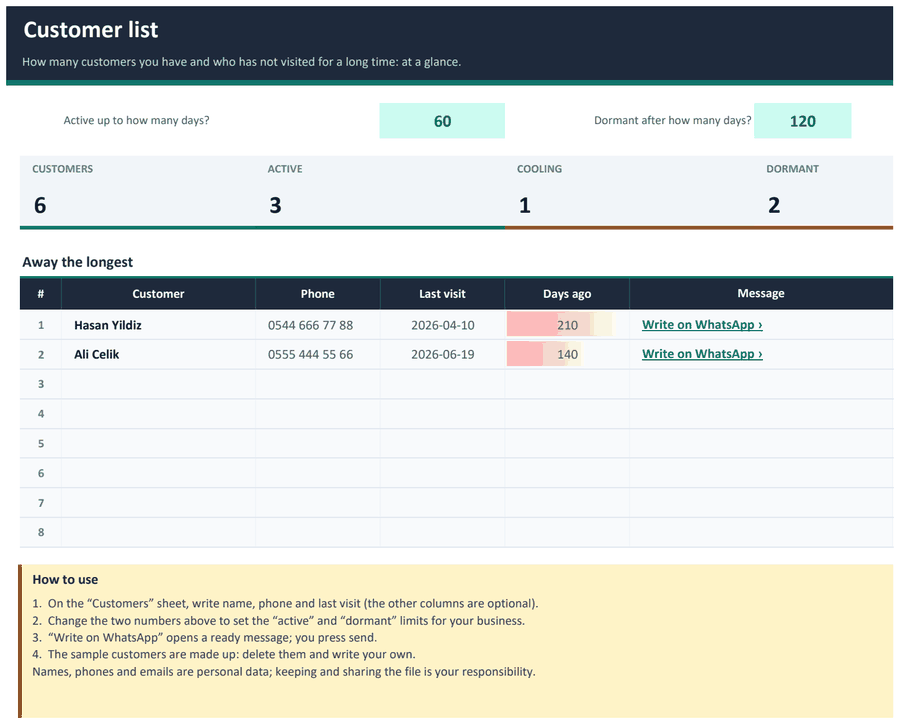 Customer list
Finds who has not visited for a while; “active / cooling / dormant” status and a WhatsApp message link.
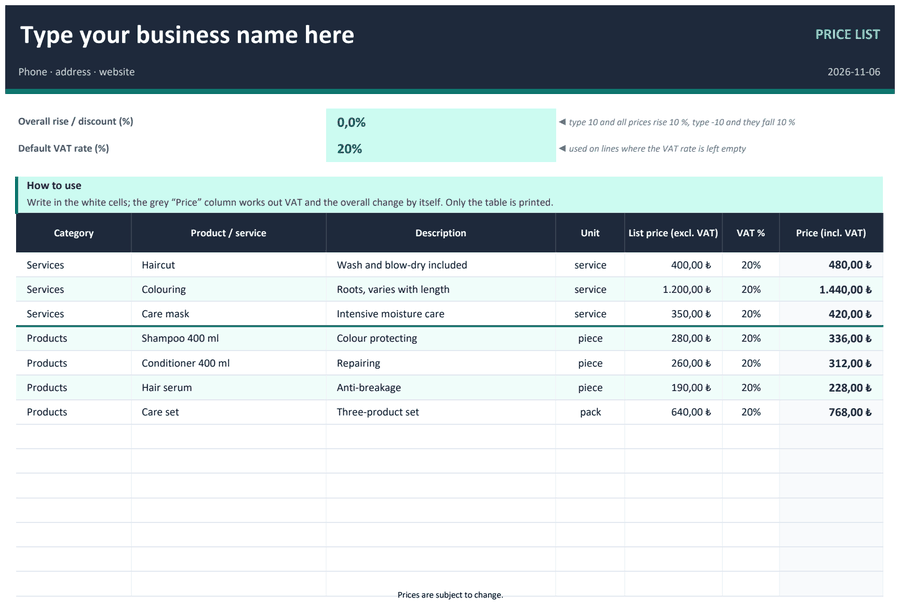 Price list
A print-ready price list with your business name; works out VAT and an overall price change itself.
The templates are formatted Excel (.xlsx) files with a summary sheet, drop-down lists and totals that work themselves out. The sample records are made up: delete them and write your own.
How to use it
- Press “Download (.xlsx)” next to the template you want.
- Open the file in Excel.
- Delete the sample records and write your own; the “Summary” sheet updates by itself.
Good to know
- The templates were tried in Microsoft Excel. Google Sheets and LibreOffice also open .xlsx; some formatting and the WhatsApp links may look or work differently there.
- The files contain no macros or external links. You type nothing on this page; your records live only in your own file and are not sent to us.
- The records live only in your file; back it up regularly. Names and phone numbers are personal data and keeping and sharing them safely is your responsibility.
- WhatsApp links open a ready message; you press send. The “Export to barcode tool” sheet in the stock template prepares the list for pasting into the barcode stock tool on this site.
Frequently asked questions
Which program opens them?
They were tried in Microsoft Excel. Google Sheets and LibreOffice also open .xlsx files; some formatting may look different.
Is there a plain, unformatted file?
Yes; the “Plain CSV” button next to each template downloads a simple table with headers and a sample row. It is UTF-8 with a signature so Turkish characters open correctly.
Can I adapt the templates?
Yes; add columns, change the categories and rename things.
Is there a tool that keeps the records for me?
For credit and cash, see the digital books on this site; for bigger jobs, see our software.
When the work grows
If you do this every day, have a look at our software that keeps records and reminders in order (each has a free live demo with sample data):
For grocery shops: stock and credit tracking